Innovative 2D Scanning System That Captures Mating Surfaces and Cross-Sections
Fast, On-Vehicle Cross-Section Measurement for Real Seal and Fit Behavior
SealScan offers a way to measure the real interaction between door, seal, trim, and sheet metal directly on the assembled vehicle, in minutes rather than days.
Instead of relying on assumptions, teardown, or waiting for full laboratory capacity, SealScan delivers accurate, quantitative cross-sections on the spot – exactly where needed.
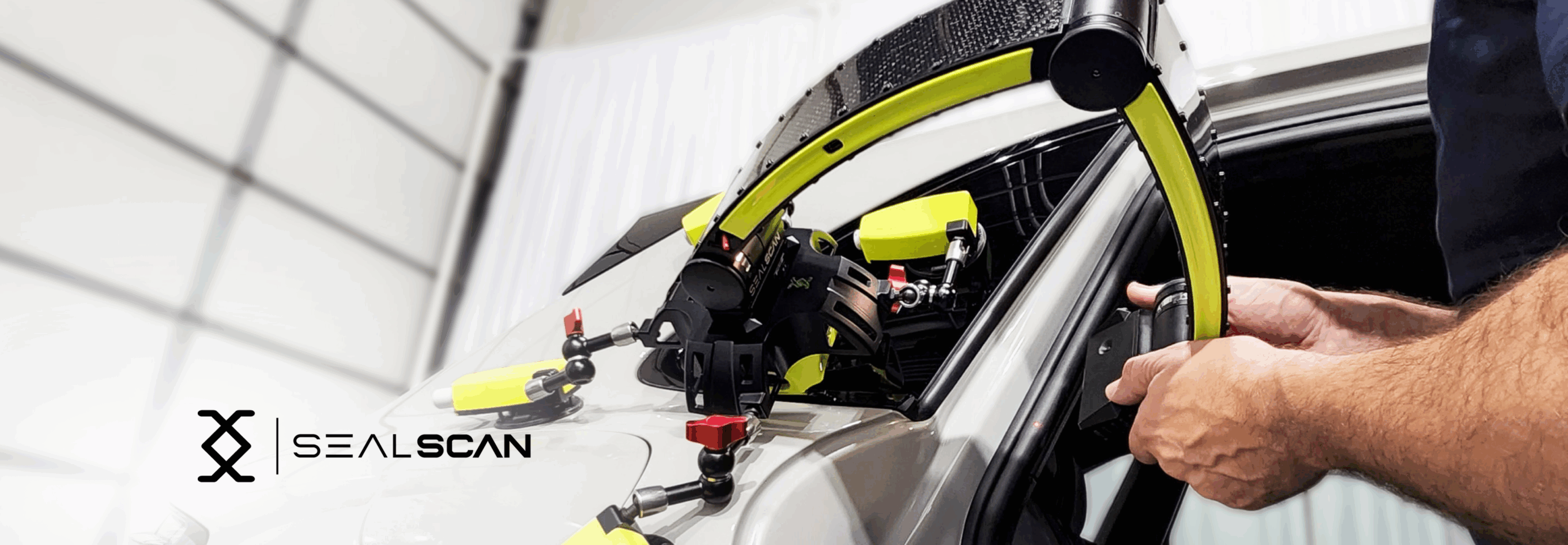
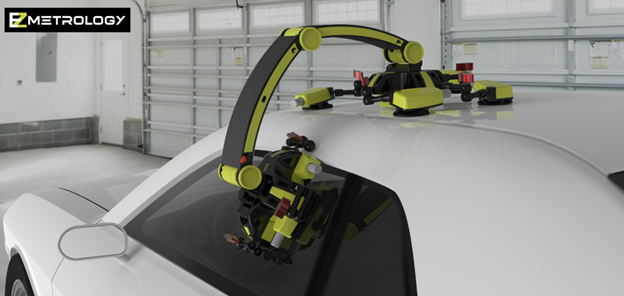
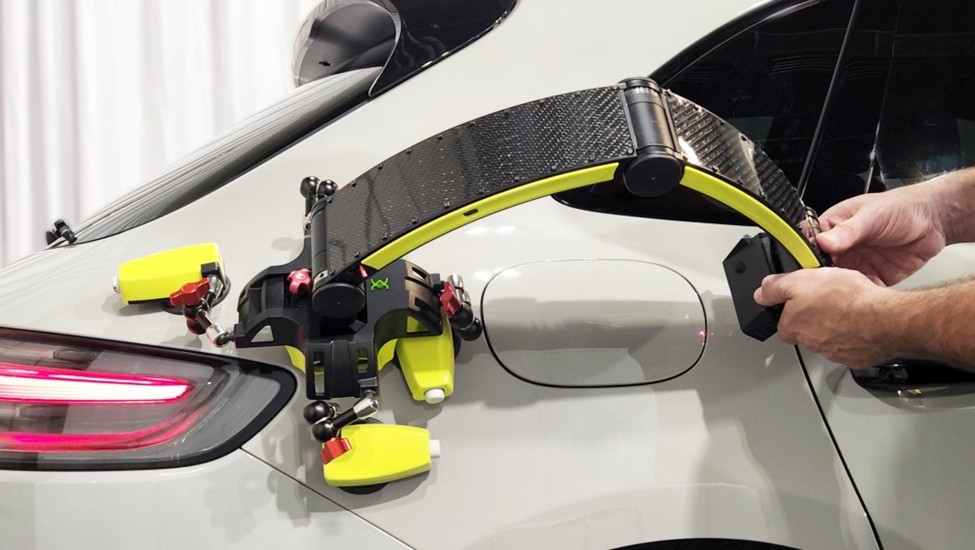
Lightweight, wireless, and mounted with simple suction cups, the system installs in seconds and begins capturing high-quality data immediately. It reflects the real operating condition of the vehicle: no disassembly, no altered parts, no external fixtures.
Key Characteristics
Capture seal geometry in 15 minutes on any vehicle without need for disassembly
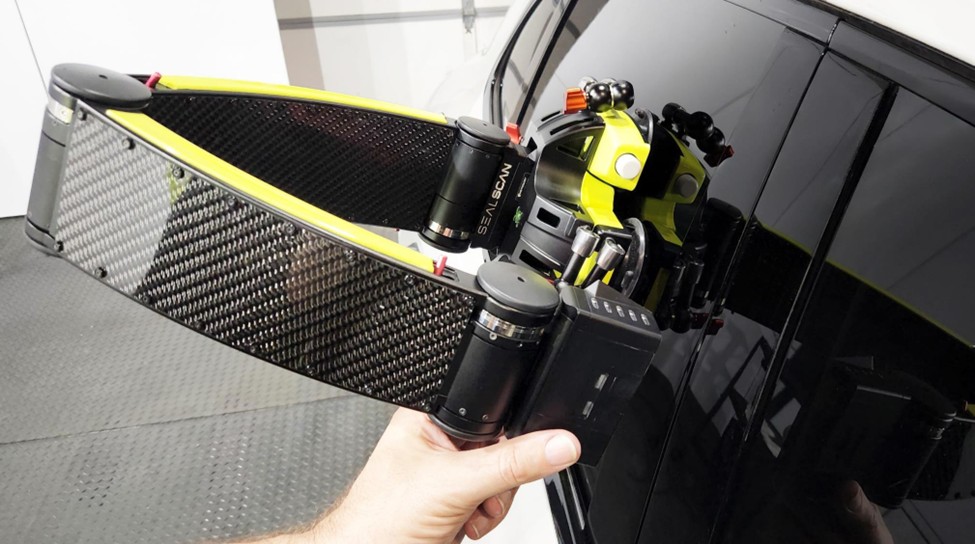
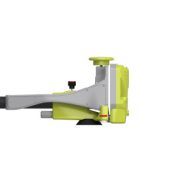
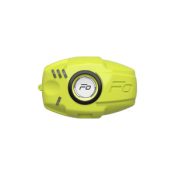
Compact and lightweight laser scanning system for accurate 2D measurements
Patented interchangeable base for alignment and measurement procedures
Universal mounting base adapting to any shape or material
Adaptive laser control for uncooperative surfaces
Wireless communication and operation
“Non-Destructive, no need to remove seals or trim to measure seal gap”
A Technical Solution Built for Real Conditions
Within approximately 15 mn SealScan reconstructs the complete geometry of the interface: seal shape, metal edges, flange angles, trim influence, seal compression, and the absolute door-to-body positioning.
At the heart of SealScan is a three-axis laser scanner capable of capturing detailed cross-sections across any combination of surfaces: glossy seals, textured trims, bare sheet metal, or painted panels.
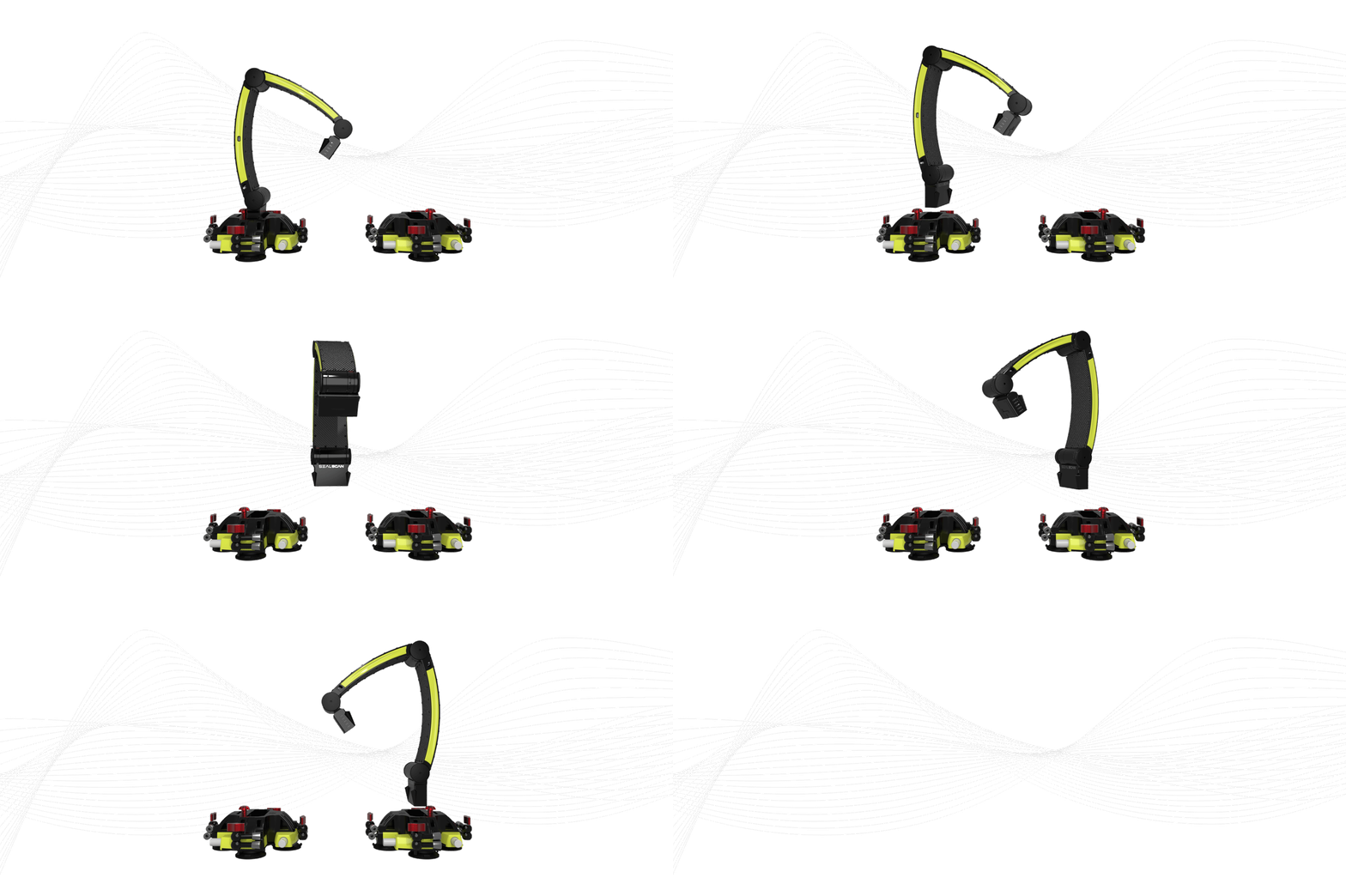
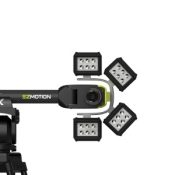
The patented multi-base design allows engineers to record both sides of the mating interface, while keeping all measurements in a single, shared coordinate system.
These values are not theoretical as they are taken directly on the vehicle, in its true assembled state.
Typical insights gathered in a single scan include:
actual seal compression values (e.g., 4 mm vs 6 mm nominal)
door positioning relative to the body (high/low, deep/shallow)
flange or trim deviations affecting seal performance
seal-to-panel contact uniformity or lack of contact
aging, deformation, or material deviations in seals
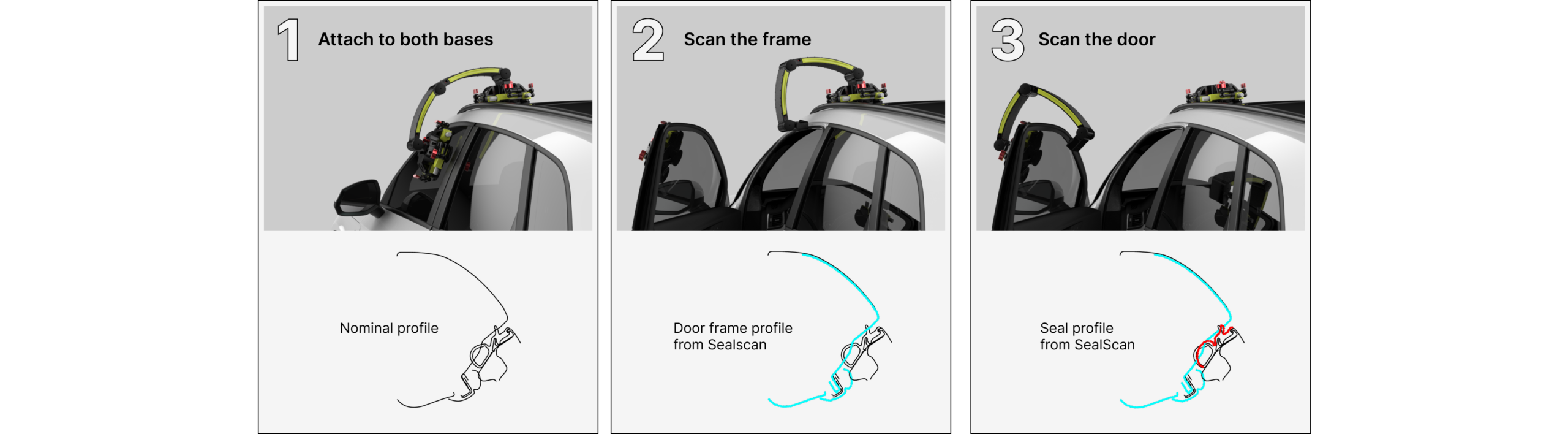
Three Simple Steps : Alignment – Side One –Side Two
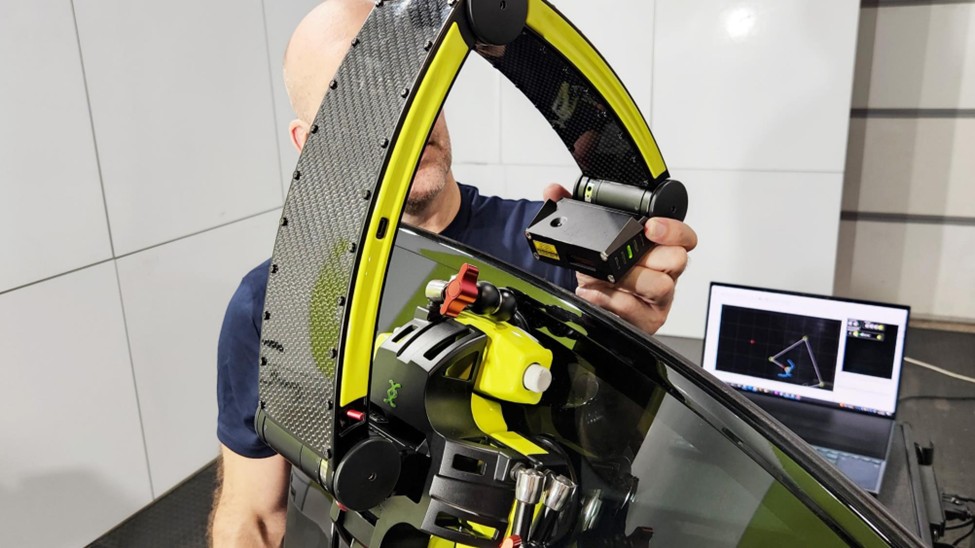
First install the mounting bases on both door and body. Place SealScan with each end in a base and establish the common reference. Import a nominal section from CAD for comparison.
Now move the SealScan in the first base and measure the body-side cross section, including the roof panel, body seal, and interior trim.
Next, move the SealScan to the second base to measure the cross section of the door assembly, including door frame, door seal, and trim. Finally, assess the interference and compression.
SealScan Wide Range of Applications
Smart laser technology will capture points on the different surfaces with high accuracy resulting in a detailed profile of the assembly. The 3 articulations in the measurement arm allow for spatial reconstruction of the movement of the laser. A measurement can be performed on a full, untouched assembly or broken down to the individual building blocks such as orientation of flanges and trim panels.
Seal Assembly Decomposition
Macro Panel Alignment
Trim Panel Alignment
Window Sill
Popular Applications
Seal Dimensions: Seal Diameter, shape, thickness, angle…
Seal Placement with respect to body or door panels
Door panel position relative to body: in/outboard, up/down
Trim part placement and shape Other Applications:
Cross Section of parts or assemblies
Bumper compression on tailgates, trunks, doors
Tire Section: mobile solution to monitor for wear and tear
Panels flushness and alignment
Flaps or control surface alignment and range
Sunroof fittings
Efficient Software
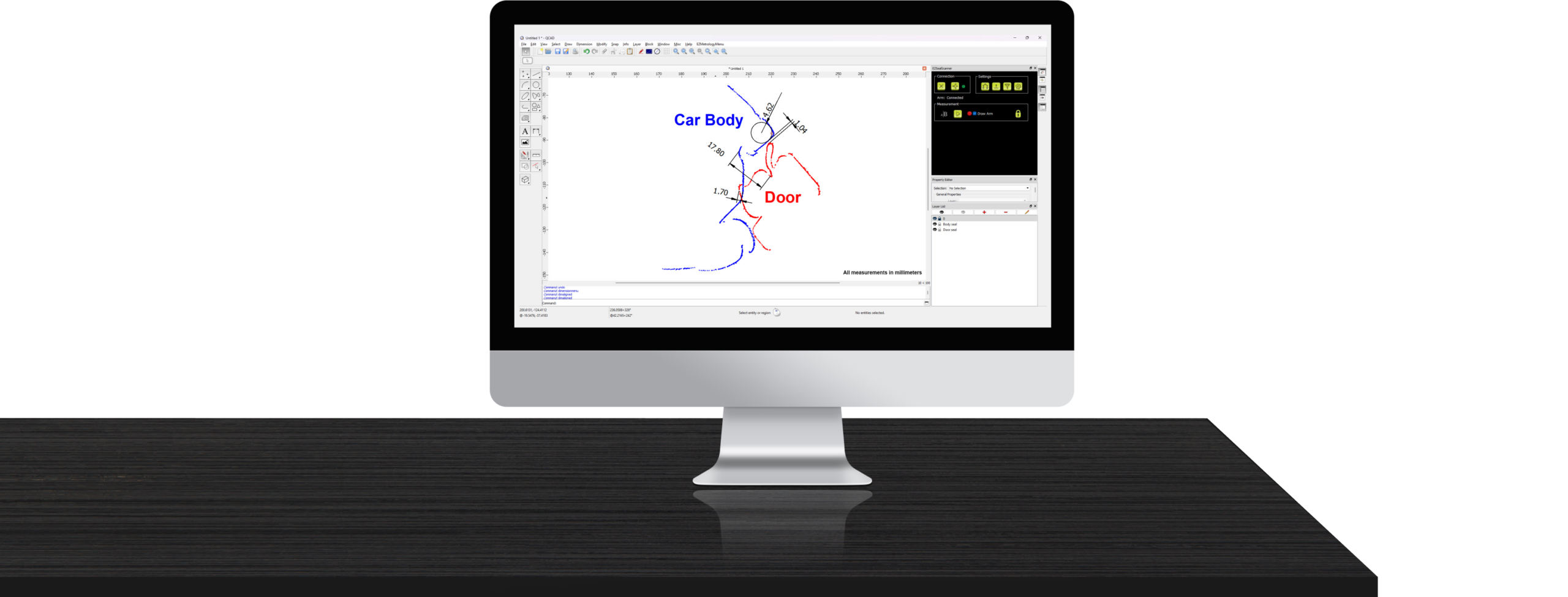
SealScan can be integrated with any CAD or measurement software. It comes standard with an easy-to-use CAD package that allows you to capture the sections, dimensions and report them. Other features include the import of a nominal or theoretical profile, constructing features, defining shapes and more.
Base functions
Import nominal CAD sections for comparison
Real-time measurement and visualization of cross-sections
Point cloud-based measurement
Digitally align, mirror, rotate, translate data
Construction of splines, lines, and circles
Obtain distances, angles, radii, and overlaps
Optional interface to third-party inspection or scan software