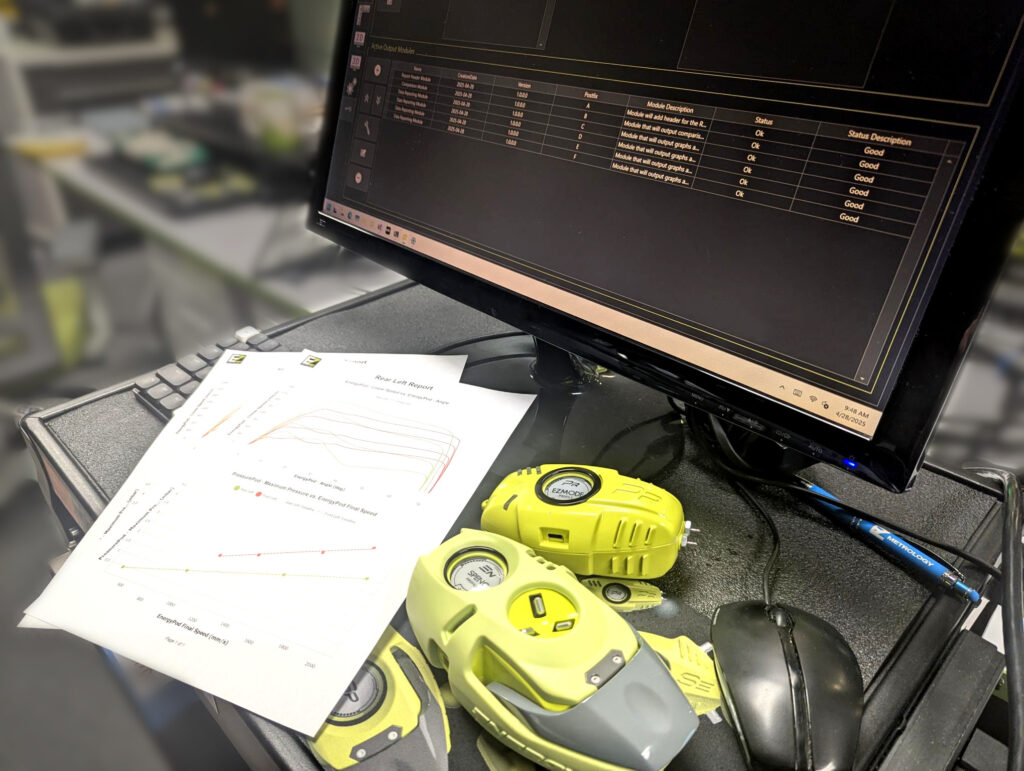
It is no secret that door systems and closing efforts are the sum of a complex network of measurable metrics and characteristics, and EZMetrology boasts a diverse suite of tools for capturing each piece of the puzzle. When attempting to compare multiple door systems, a new dimension is added to the challenge. IOManager already allows for fine-tunable organization of measurement data into Sessions (test environments), Sequences (test types), and Runs (measurement iterations), but with the new Comparison Module feature, users can plot, analyze, and report the same metric across multiple test cases.
Track Changes in Trends
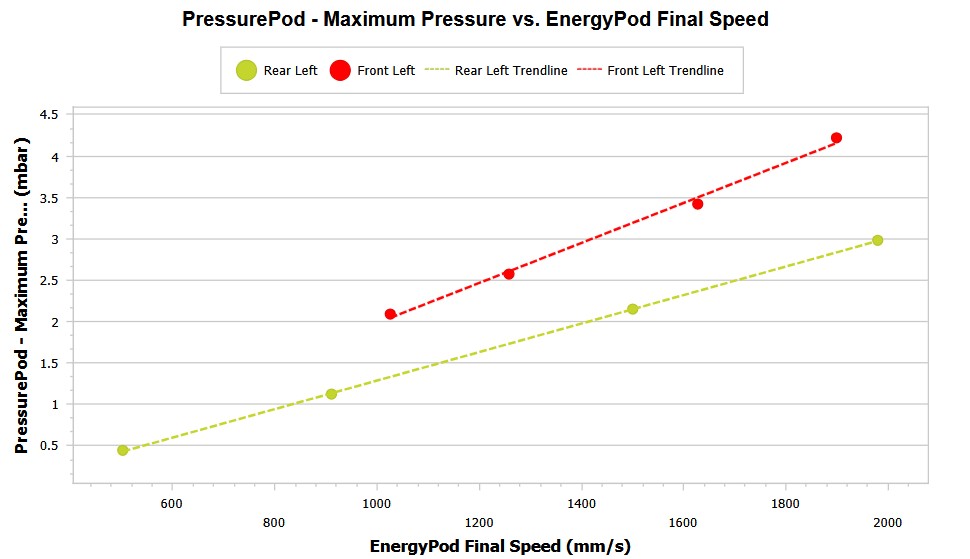
It may often be useful to establish or quantify a relationship for a certain door, model, or scenario. For example, it makes sense that the amplitude of a cabin pressure event will be directly proportional to the closing speed of the door causing it however, variations like a change in cabin trim between models can drastically affect the nature of this relationship. Rather than go to the trouble of paging between data sets and calculating and consolidating values, IOManager allows users to pull up any desired Session(s) side-by-side and compare the relationships both visually and as tabulated results.
Simple and Clean Reporting
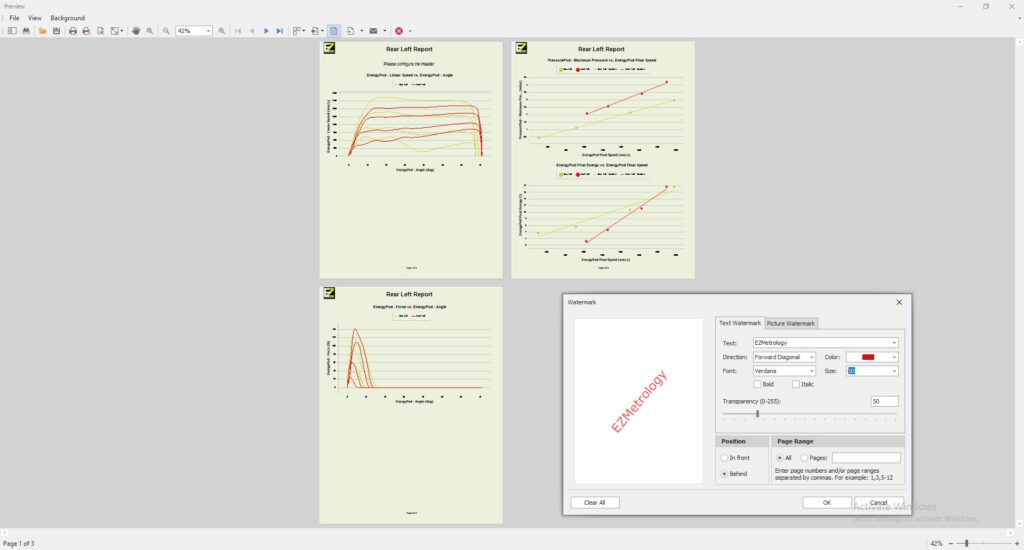
The Comparison functionality is integrated seamlessly into the already-customizable IOManager Reporting tools, thanks to the modular layout of the software just add a Comparison Module for each Session you wish to include, tweak to your preference, and proceed straight to the Report page. IOManager will intelligently pull whatever relevant data it can find and add it to the Comparison, without pulling in unlike or incomparable data. Just like any other IOManager Report, you can customize page layout and design, print, or export the document no external tools required.